

Navigating Virtual Speech Therapy
How does speech therapy work through telepractice (aka teletherapy)? We’ll guide you through the process of doing virtual speech-language evaluations or therapy.
Equipment
Determine if you have the right equipment and a stable internet connection. Setting the foundation for successful teletherapy includes making sure that we can connect and stay connected (or re-connect, because things happen!). Keep reading to see more specifics about what we recommend.
Preparation
If we’re working with your child or a client who might need technological assistance, we’ll ask that a facilitator be present to help with either the evaluation process or virtual speech therapy session. Before a session begins, we recommend following a checklist to make sure you’re ready to roll once you log on.
Progress Monitoring
We’ll set treatment goals and track progress over time, just as we would in-person speech services! Sometimes we may assign activities to be done outside of sessions, which can enhance the speech & language skills we work on via teletherapy.
Equipment & Internet
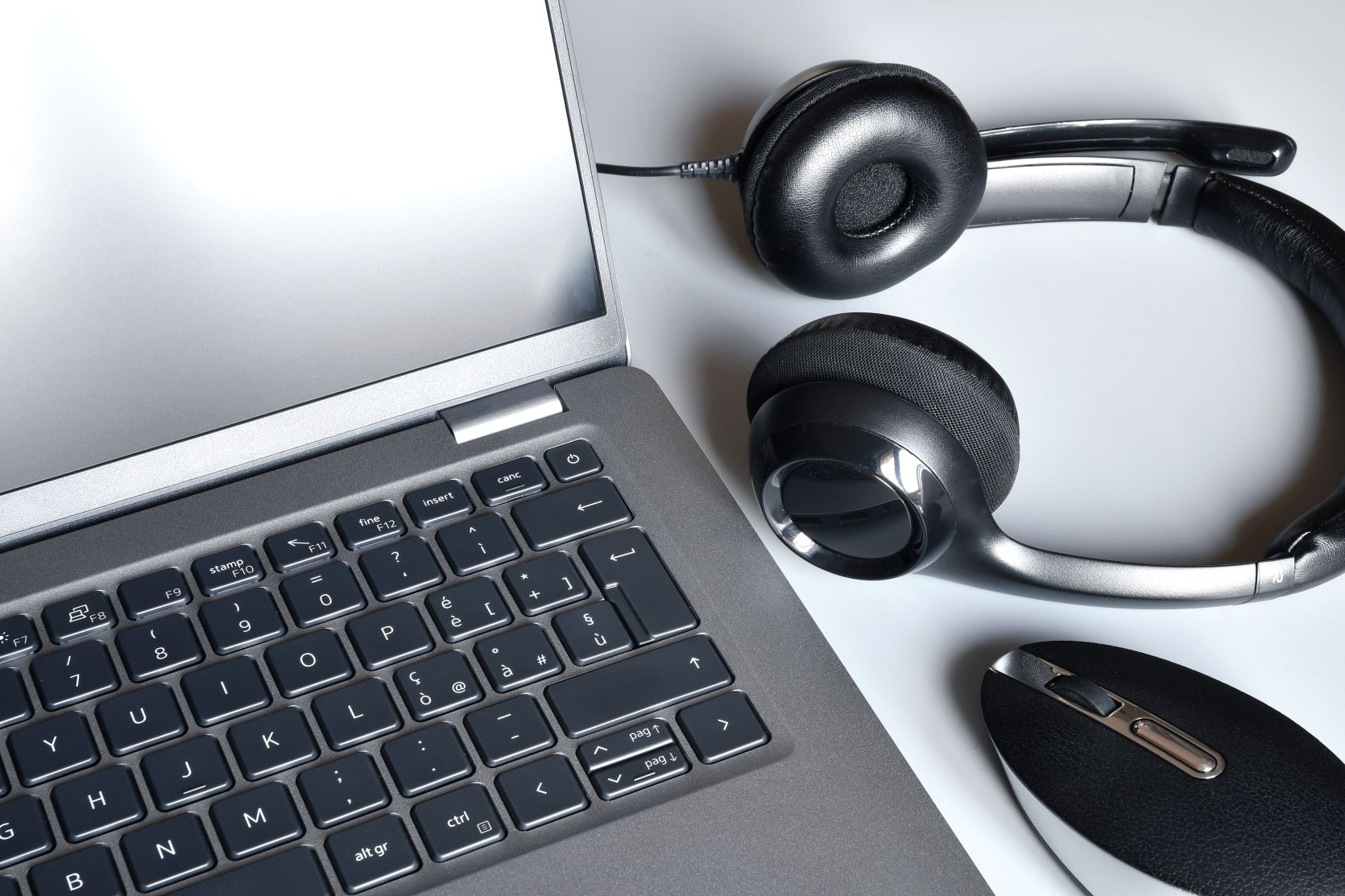
Recommended teletherapy equipment:
- Computer or tablet with a large enough screen to see on-screen activities
- External microphone that connects to your computer or tablet. Wired microphones typically have higher quality than wireless which can be especially beneficial when working on speech sounds. Here are a few options:
- Webcam either built-in or external
- Speakers or wired headphones
Internet:
Make sure you have a stable internet connection prior to starting a session or evaluation. You can consider doing an internet speed test as well.
During our initial consultation, we can assess your current set-up, offer our recommendations, and make sure that teletherapy will be a good option before beginning services.

Preparing for virtual speech sessions
When you’re getting ready for an upcoming teletherapy session, it can be helpful to test all of your equipment beforehand. You can do this by opening a google meet on your own and following Google’s testing steps. Make sure you computer or tablet is fully charged or plugged in. Get a glass of water (or something like your favorite tea!) to have on hand. This is especially beneficial if you’re doing virtual voice or speech therapy.
Sometimes a facilitator may need to be present to support the client during an virtual evaluation or therapy session. Prior to doing an evaluation, we will complete a facilitator training (included in the cost of an evaluation!) to ensure everything is working properly and to help the facilitator know their role during an evaluation.
Always know that we’re here to help guide you through the teletherapy process

 New Trails Speech Therapy LLC